

Click Monitoring shows which recipients opened the link in your message and how many clicks it received. It adds information about campaign response alongside message-delivery reports.
Understand response to your campaigns
A message can lead to an offer, a new collection or a page with further information. Link tracking helps you understand the visits generated by the campaign.
Measure clicks
Follow clicks on the link included in your message.
Identify responding recipients
Connect the link visit with the recipient of the message.
Plan the next step
Use the response information when organising your next communication.
A practical example
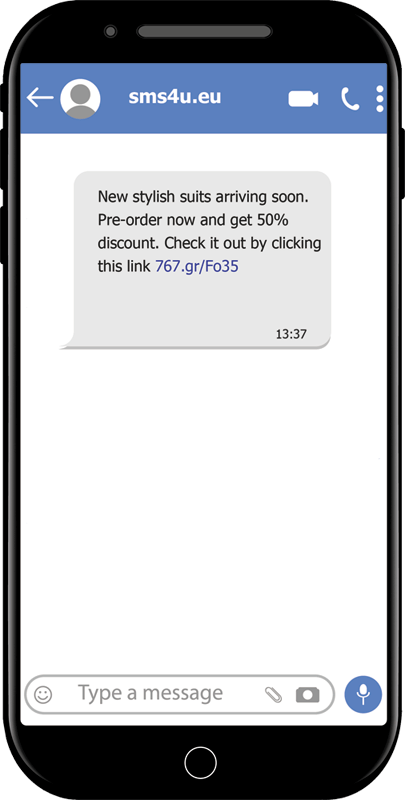
You send an SMS with a link to an offer in your online shop. After the campaign, you review which recipients opened the link. This helps you assess the interest generated by the message.
A delivery report describes the message’s delivery status. A click indicates a link visit; it does not by itself confirm a purchase or another completed action.
Short links inside your SMS
Tracking uses shortened web addresses to save space in the message. Learn more about Short URLs and the available ways to use them.
Frequently asked questions
Can I see who opened the link?
Yes. The service provides recipient-level information about link clicks.
Does this measure sales in my online shop?
The information concerns clicks on the message link. Tracking purchases or other actions on your website is a separate stage of analysis.
What should I check before sending?
Make sure the destination matches the message, opens correctly on a phone and provides the information you promised the recipient.